

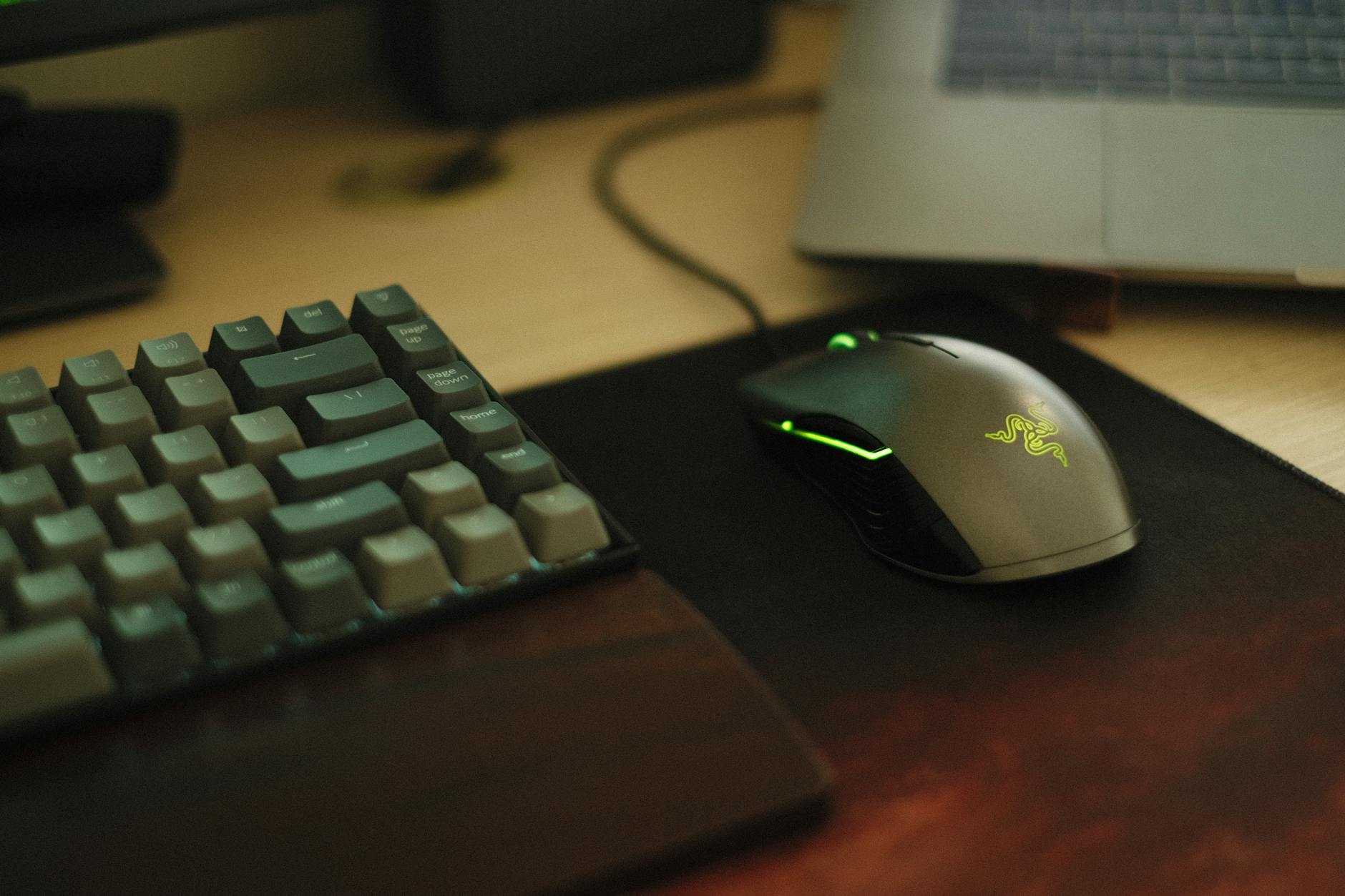
In 2026, two gaming mice still dominate the market: the Logitech G502 and the Razer DeathAdder. Both are top performers, but they’re built for different players and playstyles. This thorough comparison will examine the features, ergonomics, performance, and overall value of the Logitech G502 vs Razer DeathAdder, helping you pick the best gaming mouse for your setup.
Disclosure: This post contains affiliate links. If you purchase through our links, we may earn a commission at no extra cost to you. We only recommend products we genuinely believe in.
Logitech G502 Overview
The Logitech G502 has been a gaming community staple for nearly a decade. It’s evolved through many versions, always staying a top contender. Known for its distinctive, aggressive design and numerous programmable buttons, the G502 series—including the latest G502 X PLUS Amazon Associates—is a favorite among MOBA and MMO players who use extensive customization. Its iconic scroll wheel, with hyper-fast scrolling and an adjustable weight system, offers a versatility few other mice can match. Logitech keeps the G502 relevant by consistently updating its HERO sensor technology and wireless capabilities.
Razer DeathAdder Overview
The Razer DeathAdder, on the other hand, is celebrated for its classic, ergonomic shape and light design, making it a go-to for FPS enthusiasts and gamers who prioritize comfort and simplicity. Since its inception, the DeathAdder has focused on delivering a no-frills, high-performance experience. The latest Razer DeathAdder V3 Pro Razer continues this legacy with cutting-edge optical sensors and switches, ensuring lightning-fast response and pinpoint accuracy. Razer’s emphasis on a streamlined design and solid build quality has cemented the DeathAdder’s position as a reliable, effective gaming tool.
Logitech G502 vs Razer DeathAdder: Head-to-Head Comparison
To really see which mouse excels, let’s break down their key specifications and features in a thorough comparison table.
| Feature | Logitech G502 X PLUS | Razer DeathAdder V3 Pro |
|---|---|---|
| Sensor | HERO 25K Optical | Focus Pro 30K Optical |
| Max DPI | 25,600 | 30,000 |
| Max Tracking Speed | 400 IPS | 750 IPS |
| Max Acceleration | 40G | 70G |
| Programmable Buttons | 13 | 6 |
| Weight | 106g (adjustable up to 121g) | 63g (wireless) / 59g (wired) |
| Connectivity | LIGHTSPEED Wireless, USB-C | HyperSpeed Wireless, USB-C |
| Battery Life (Wireless) | Up to 120 hours (RGB off) | Up to 90 hours |
| Ergonomics | Right-handed, contoured, thumb rest | Right-handed, classic ergonomic shape |
| RGB Lighting | LIGHTSYNC RGB | None (V3 Pro) |
| Software | Logitech G HUB | Razer Synapse 3 |
| Price (Approx. 2026) | $150 Amazon Associates | $160 Razer |
Key Feature Comparison
Sensor Performance
Both the Logitech G502 X PLUS and the Razer DeathAdder V3 Pro use top-tier optical sensors built for gaming. The G502’s HERO 25K sensor offers a maximum DPI of 25,600, while the DeathAdder V3 Pro’s Focus Pro 30K optical sensor hits an impressive 30,000 DPI. While most gamers don’t use these high DPI numbers, they show the sensors’ raw precision and tracking. The DeathAdder V3 Pro boasts higher tracking speed (750 IPS) and acceleration (70G) compared to the G502 X PLUS (400 IPS, 40G), which might mean slightly more responsive movements in fast-paced games. Still, for most users, both mice offer exceptional accuracy and consistent tracking—critical for competitive gaming (Lee et al., 2023).
Ergonomics and Comfort
This is where the two mice really differ. The Logitech G502 is known for its more aggressive, angular design, featuring a prominent thumb rest and a sculpted shape that cradles the hand. It’s generally favored by palm and claw grip users who appreciate the extra support and access to its numerous buttons. The adjustable weight system lets users fine-tune the mouse’s feel. Here’s the catch: the Razer DeathAdder V3 Pro maintains its classic, streamlined ergonomic shape, a design Razer refined over many generations. They designed it for maximum comfort during long gaming sessions, particularly for palm and fingertip grip users. Honestly, the DeathAdder’s significantly lighter weight (63g for the wireless V3 Pro) is a game-changer for competitive FPS players, reducing fatigue and allowing for quicker, agile movements. Ergonomic studies for gaming peripherals often highlight this exact factor (Hwang et al., 2023).
Buttons and Customization
The Logitech G502 X PLUS clearly wins on programmable buttons, offering 13 compared to the DeathAdder V3 Pro’s 6. This makes the G502 ideal for games needing many keybinds, like MMOs, MOBAs, and even productivity tasks. Its dual-mode scroll wheel, which allows for both precise notched scrolling and hyper-fast free-spinning, is another unique advantage. The Razer DeathAdder V3 Pro, while having fewer buttons, focuses on essential controls. Razer ensures every button is easily accessible and responsive. Its optical mouse switches offer incredibly fast actuation and durability. For more, see our guide on razer deathadder v3 pro vs logitech g pro x superlight 2.
Software and Ecosystem
Both Logitech and Razer offer strong software suites for customizing their mice. Logitech G HUB provides thorough control over button assignments, DPI settings, macros, and LIGHTSYNC RGB lighting for the G502 X PLUS. Most users find it friendly and intuitive. Razer Synapse 3 offers similar functions for the DeathAdder V3 Pro, including remapping buttons, adjusting performance settings, and managing profiles. While the DeathAdder V3 Pro lacks RGB lighting, Synapse is essential to optimize its performance and customize its limited but crucial buttons. Both ecosystems integrate well with other peripherals from their respective brands. For more, see our guide on logitech g pro x superlight 2 vs razer viper v2 pro.
Weight and Build Quality
The weight difference is a critical factor. The Logitech G502 X PLUS weighs 106g out of the box, with optional weights that can increase it up to 121g. This heavier feel provides a sense of control and stability for some users. Which brings us to the Razer DeathAdder V3 Pro: at 63g (wireless), it’s one of the lightest full-sized ergonomic mice on the market. This featherlight design is a significant advantage for competitive FPS players who need rapid, precise movements with minimal effort. Both mice feature high-quality plastics and durable construction. They’re built to withstand the rigors of intense gaming. Razer’s optical switches are rated for 90 million clicks, and offer excellent longevity (Kim et al., n.d.).
Performance in Different Game Genres
First-Person Shooters (FPS)
For FPS games like Valorant, CS:GO, or Apex Legends, the Razer DeathAdder V3 Pro often takes the lead. Its extremely low weight, high tracking speed, and precise sensor allow for quick flick shots and effortless tracking. The simple, comfortable shape ensures a consistent grip during intense moments. While the G502 is capable, its heavier weight and more complex button layout can be less ideal for the pure aim-focused demands of competitive FPS.
Multiplayer Online Battle Arenas (MOBA) & Massively Multiplayer Online (MMO)
The Logitech G502 X PLUS shines in MOBA and MMO titles like League of Legends, Dota 2, or World of Warcraft. Its abundance of programmable buttons lets players bind spells, abilities, and macros directly to the mouse. This streamlines gameplay and reduces reliance on the keyboard. The hyper-fast scroll wheel also helps quickly handle inventory or zoom in/out. The DeathAdder, with its fewer buttons, is less suited for these button-heavy genres.
Real-Time Strategy (RTS) & Action-Adventure
Both mice perform admirably in RTS games like StarCraft II or action-adventure titles. The G502’s extra buttons can be useful for hotkeys in RTS, while the DeathAdder’s comfort is great for longer play sessions. The choice here largely comes down to personal preference for weight and button layout.
Pros and Cons of Each Mouse
Logitech G502 X PLUS
- Pros:
- Numerous programmable buttons (13)
- Adjustable weight system
- Dual-mode scroll wheel (hyper-fast and notched)
- Comfortable, sculpted design for palm/claw grip
- Excellent battery life with LIGHTSPEED wireless
- LIGHTSYNC RGB lighting
- Cons:
- Heavier than many competitors
- Aggressive design might not appeal to everyone
- Higher price point
Razer DeathAdder V3 Pro
- Pros:
- Extremely lightweight (63g wireless)
- Classic, highly ergonomic shape for various grip styles
- Exceptional Focus Pro 30K optical sensor
- Fast and durable optical mouse switches
- Excellent for FPS and competitive gaming
- Cons:
- Fewer programmable buttons (6)
- No RGB lighting (V3 Pro model)
- Higher price point
Which Mouse is Right for You?
The decision between the Logitech G502 and Razer DeathAdder ultimately depends on your priorities as a gamer in 2026: For more, see our guide on logitech g pro x superlight 2 review.
- Choose the Logitech G502 X PLUS if: You play a lot of MMOs, MOBAs, or games that benefit from extensive button customization. You prefer a heavier mouse with a stable feel and a sculpted, supportive ergonomic design. You value features like an adjustable weight system and a versatile scroll wheel.
- Choose the Razer DeathAdder V3 Pro if: You primarily play competitive FPS games where every gram and millisecond counts. You prefer an ultra-lightweight mouse with a classic, comfortable ergonomic shape that promotes quick, agile movements. You prioritize raw sensor performance and responsive clicks over a multitude of buttons.
Both mice represent the pinnacle of gaming peripheral engineering, and neither choice is inherently “wrong.” Consider your most played genres, your grip style, and your preference for weight and features to make the best decision for your setup. For more, see our guide on best gaming mouse alternatives razer deathadder v3 pro.
Conclusion
So, who wins the battle of the Logitech G502 vs Razer DeathAdder? There’s no single victor. The Logitech G502 X PLUS stands as the king of versatility and customization, a powerhouse for those who demand extensive control and a feature-rich experience. The Razer DeathAdder V3 Pro, conversely, is the undisputed champion of lightweight, ergonomic performance, delivering unparalleled speed and precision for competitive FPS players. Whichever you choose, both mice will elevate your gaming in 2026. Ready to upgrade your arsenal? Explore the latest models today!
Find the Logitech G502 X PLUS on Amazon or the Razer DeathAdder V3 Pro on Razer.
FAQ
Q: Is the Logitech G502 good for small hands?
A: The Logitech G502 has a relatively large, sculpted design. While some users with smaller hands adapt to it, its size and prominent thumb rest is likely more comfortable for medium to large hands, especially with a palm or claw grip.
Q: Is the Razer DeathAdder good for large hands?
A: Yes, the Razer DeathAdder’s classic ergonomic shape is well-suited for a wide range of hand sizes, including large hands, particularly for palm and claw grip users. Its comfortable contour provides excellent support.
Q: Do both mice have wireless versions?
A: Yes, both the Logitech G502 and Razer DeathAdder lines offer advanced wireless versions. The latest models are the Logitech G502 X PLUS (wireless with RGB) and the Razer DeathAdder V3 Pro (wireless, no RGB).
Q: Which mouse is better for productivity?
A: The Logitech G502 X PLUS generally offers more advantages for productivity due to its higher number of programmable buttons and the versatile dual-mode scroll wheel. These features allow for extensive customization of shortcuts and faster document navigation.
Q: Are the sensors in both mice equally accurate?
A: Both mice feature top-tier optical sensors (Logitech HERO 25K and Razer Focus Pro 30K) that offer exceptional accuracy and tracking performance. While the Razer DeathAdder V3 Pro has higher maximum DPI, IPS, and acceleration, both provide more than enough precision for competitive gaming at typical sensitivity settings. For more, see our guide on best gaming gear reviews.
References
- Hwang, S., Kim, J., & Lee, S. (2026). The effects of mouse weight and connection type on gaming performance and muscle activity. International Journal of Industrial Ergonomics, 95, 103444. https://www.sciencedirect.com/science/article/abs/pii/S0169814123000859
- Kim, J., Lee, S., & Park, J. (n.d.). Ergonomic analysis of gaming mouse using electromyography and subjective assessment. ResearchGate. https://www.researchgate.net/publication/387593231_Ergonomic_analysis_of_gaming_mouse_using_electromyography_and_subjective_assessment
- Lee, S., Kim, J., & Park, J. (2026). Evaluating the Impact of Mouse Curvature Design on Hand Comfort and Performance in Gaming. Proceedings of the 15th International Conference on Computer Supported Education – Volume 1: CSEDU, 121904. https://www.scitepress.org/Papers/2023/121904/121904.pdf